Best Internet Safety Tips for Beginners


Introduction
The internet has become an important part of everyday life. People use it to communicate, study, shop, work, watch videos, manage accounts, and find information. However, using the internet safely is just as important as knowing how to use it.
Beginners may not always recognize phishing messages, fake websites, unsafe downloads, or suspicious links. The good news is that a few simple habits can significantly improve online safety.
In this guide, you will learn practical internet safety tips for beginners that are easy to follow.
1. Use Strong and Unique Passwords
One of the easiest ways to improve your online security is to use strong passwords.
Avoid simple passwords such as:
- 123456
- password
- your name
- your birthday
- your phone number
Instead, use a long and unique password for every important account.
A password manager can also help you create and store different passwords without requiring you to remember all of them.
2. Enable Two-Factor Authentication
Two-factor authentication, commonly called 2FA or MFA, adds an additional verification step when you sign in.
Even if someone discovers your password, they may still be unable to access your account without the second verification method.
Enable 2FA on important services such as:
- Social media
- Banking
- Shopping accounts
- Cloud storage
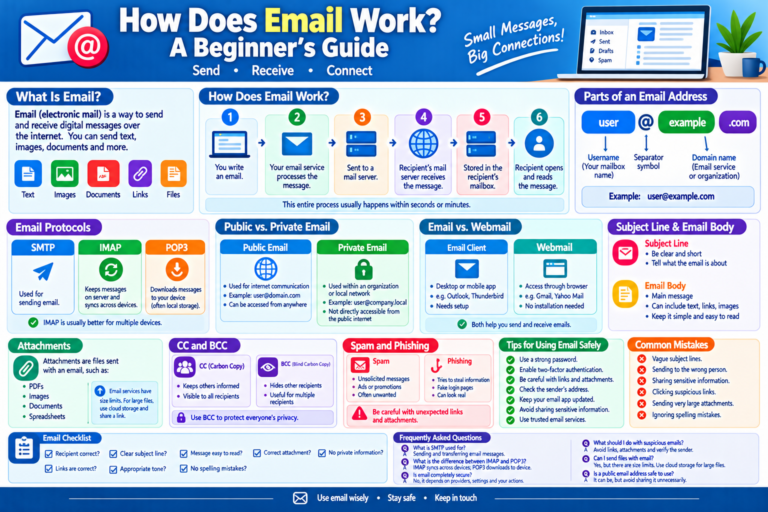
3. Be Careful With Links
Never click a suspicious link simply because a message tells you to act quickly.
Scammers often use messages such as:
“Your account will be closed today.”
or:
“You have won a prize. Click here.”
Instead of clicking an unexpected link, open the official website directly and check your account there. Google also recommends checking sender addresses, suspicious domains, and unexpected password-reset messages.
4. Keep Your Software Updated
Software updates often include security fixes.
Keep these updated:
- Windows or macOS
- Android or iPhone software
- Web browsers
- Mobile applications
- Security software
Automatic updates can make this easier.
5. Be Careful When Using Public Wi-Fi
Free Wi-Fi can be convenient, but you should be careful when using public networks.
Avoid entering sensitive information such as banking passwords while connected to an unfamiliar public network.
If possible, use your mobile connection or another trusted network for sensitive activities.
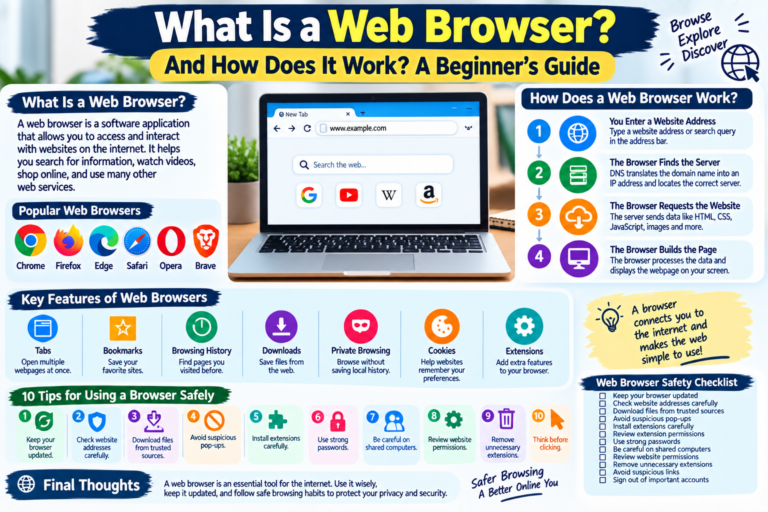
6. Check Website Addresses
Before entering personal information, check the website address carefully.
Look for:
- Correct domain spelling
- HTTPS connection
- Unexpected redirects
- Suspicious pop-ups
- Unusual requests for information
Remember that HTTPS alone does not prove a website is legitimate. You should also check that you are visiting the correct domain.
7. Download Apps From Trusted Sources
Avoid downloading applications from unknown websites.
Use official app stores or trusted software websites whenever possible.
Unknown downloads can contain malware or unwanted software.
8. Protect Your Personal Information
Think carefully before sharing personal information online.
Avoid publicly posting information such as:
- Home address
- Phone number
- Passwords
- Financial details
- Private documents
- Security questions
Pakistan’s National Cyber Crime Investigation Agency also advises users to avoid sharing sensitive details online and to download only from trusted websites.
9. Review Privacy Settings
Social media platforms and apps often provide privacy settings.
Regularly review:
- Who can see your posts
- Who can contact you
- Location permissions
- Camera permissions
- Microphone permissions
- App access to photos and files
Only provide permissions that an application actually needs.
10. Watch Out for Online Scams
Be suspicious of offers that seem too good to be true.
Common examples include:
- Fake prizes
- Fake jobs
- Investment scams
- Fake customer support
- Phishing emails
- Fake shopping websites
Take your time and verify information before sending money or personal details.
11. Back Up Important Files
Backups can protect you if your device is damaged, lost, stolen, or affected by malware.
Important files can include:
- Photos
- Documents
- School work
- Business files
- Contacts
You can use cloud storage, an external drive, or another reliable backup method.
12. Lock Your Devices
Always use a screen lock on your phone, tablet, and computer.
A PIN, password, fingerprint, or facial recognition can help prevent unauthorized access.
Internet Safety Checklist
Before browsing the internet, remember:
- Use strong passwords.
- Enable 2FA.
- Keep software updated.
- Avoid suspicious links.
- Check website addresses.
- Download from trusted sources.
- Protect personal information.
- Use secure networks.
- Review privacy settings.
- Back up important files.
Final Thoughts
Internet safety does not have to be complicated. By developing a few good habits, beginners can significantly reduce common online risks.
The most important rule is simple: slow down before clicking, downloading, sharing, or sending information online.