How to Keep Your Online Accounts Secure: 10 Essential Tips
Today, almost everyone uses online accounts for email, social media, shopping, banking, cloud storage, entertainment, and work. These accounts often contain personal and important information, which makes online account security more important than ever.
A weak password, suspicious link, or unsecured device can put an account at risk. The good news is that you can improve your online security by following a few simple habits.
In this guide, we will explain 10 practical ways to keep your online accounts secure and reduce common internet security risks.
Why Is Online Account Security Important?
Your online accounts may contain personal information, private messages, photographs, documents, payment details, and other sensitive data.
If an attacker gains access to an account, they may be able to:
- Read private information
- Change account settings
- Send messages from your account
- Access connected services
- Make unauthorized purchases
- Lock you out of your account
- Attempt to access other accounts
For this reason, protecting your accounts should be an important part of your everyday internet habits.
1. Use Strong and Unique Passwords
A strong password is one of the most basic ways to protect an online account.
Avoid simple passwords based on information that other people could easily guess, such as your name, birthday, phone number, or common words.
More importantly, avoid using the same password for every website.
If one website experiences a security breach and your password is exposed, attackers may try the same password on other services.
Using a unique password for each important account can reduce this risk.
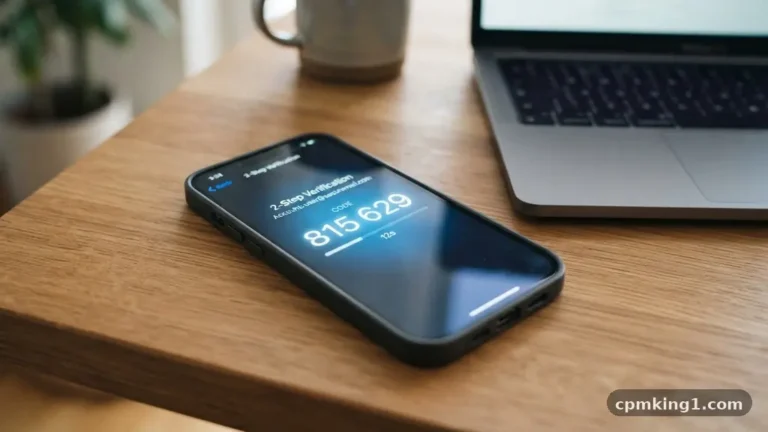
2. Enable Two-Factor Authentication
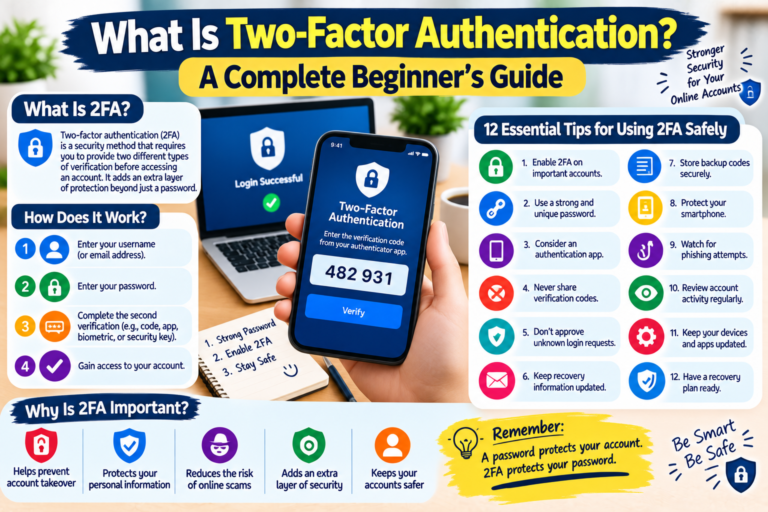
Two-factor authentication, commonly called 2FA, provides an additional layer of account protection.
With 2FA enabled, logging in may require your password plus another verification method.
Depending on the service, this could include:
- An authentication app
- A security key
- A verification code
- Another approved authentication method
Even if someone discovers your password, the additional verification step can make unauthorized access more difficult.
Enable 2FA on important accounts whenever a reliable option is available.
3. Never Share Your Password
Your password should remain private.
Legitimate companies generally do not need you to send your password to them through email, social media messages, or phone conversations.
Be especially careful if someone contacts you unexpectedly and asks for:
- Your password
- Verification code
- Security code
- Recovery information
- Banking details
Never share authentication codes simply because someone claims to be a company employee.
If you are unsure, contact the organization through its official website or application.
4. Be Careful With Suspicious Links
Phishing is one of the common methods used to steal account information.
A suspicious message may claim that:
- Your account will be closed
- You have won a prize
- Your payment failed
- Your package is waiting
- You need to verify your account
- You have received an important notification
The message may contain a link that takes you to a fake login page.
Before clicking a link, check the sender and destination carefully.
When possible, open the official website directly instead of using an unexpected link.
5. Keep Your Phone and Computer Updated
Software updates can include important security fixes.
Keep your operating system, web browser, and commonly used applications updated.
This applies to:
- Smartphones
- Tablets
- Laptops
- Desktop computers
Using outdated software for long periods can leave known security weaknesses unpatched.
Enable automatic updates where appropriate so you do not forget important updates.
6. Review Your Logged-In Devices
Many online services allow you to see devices or sessions currently connected to your account.
Review this information regularly.
If you see an unfamiliar device, location, or session, investigate it.
If you believe someone else has accessed your account, change your password and sign out of unknown sessions.
This is particularly useful for email, social media, cloud storage, and other important accounts.
7. Protect Your Email Account
Your email account deserves special attention because it may be connected to many other services.
If someone gains access to your email, they may be able to request password resets for other accounts.
Protect your primary email account with:
- A unique strong password
- Two-factor authentication
- Updated recovery information
- Regular security checks
Your email account can effectively act as a gateway to many other online services, so keeping it secure is extremely important.
8. Be Careful on Public Computers
Avoid signing into sensitive accounts on computers that you do not control.
Public computers may not have the same security protections as your personal device.
If you must use a public computer, avoid saving passwords and remember to sign out completely when finished.
Never allow a browser to save your login information on a shared or public computer.
9. Check Account Recovery Information
Account recovery information can help you regain access if you forget your password or lose access to your account.
Review your recovery email address and phone number periodically.
Make sure the information is current and belongs to you.
If your recovery information is outdated, you may have difficulty recovering your account later.
10. Monitor Your Accounts Regularly
Do not wait until something goes wrong before checking your account security.
Regularly review:
- Recent login activity
- Connected devices
- Account recovery options
- Password settings
- Third-party applications
- Privacy settings
- Security notifications
If something looks unfamiliar, investigate it immediately.
What Should You Do If Your Account Is Hacked?
If you believe an account has been compromised, act quickly.
Step 1: Change Your Password
Change the password immediately if you can still access the account.
Use a new password that you have never used on another website.
Step 2: Sign Out of Unknown Devices
Look for an option such as “Sign out of all devices” or remove unfamiliar sessions.
Step 3: Enable Two-Factor Authentication
If 2FA was not previously enabled, activate it after securing the account.
Step 4: Check Account Information
Review your email address, phone number, recovery settings, and other account information.
Make sure an attacker has not changed them.
Step 5: Check Connected Applications
Remove third-party applications or services that you do not recognize.
Step 6: Contact the Service
If you cannot regain control of your account, use the official account-recovery process provided by the service.
Avoid people or websites that claim they can recover your account for a fee unless you have verified that they are legitimate.
How to Create Better Passwords
A good password should be difficult for other people to guess.
Instead of using a short and common password, consider using a long password or passphrase that is unique to the account.
A password manager can also help you create and store unique passwords.
The most important rule is:
Do not reuse important passwords across multiple websites.
Online Account Security Checklist
Use this checklist to improve your account security:
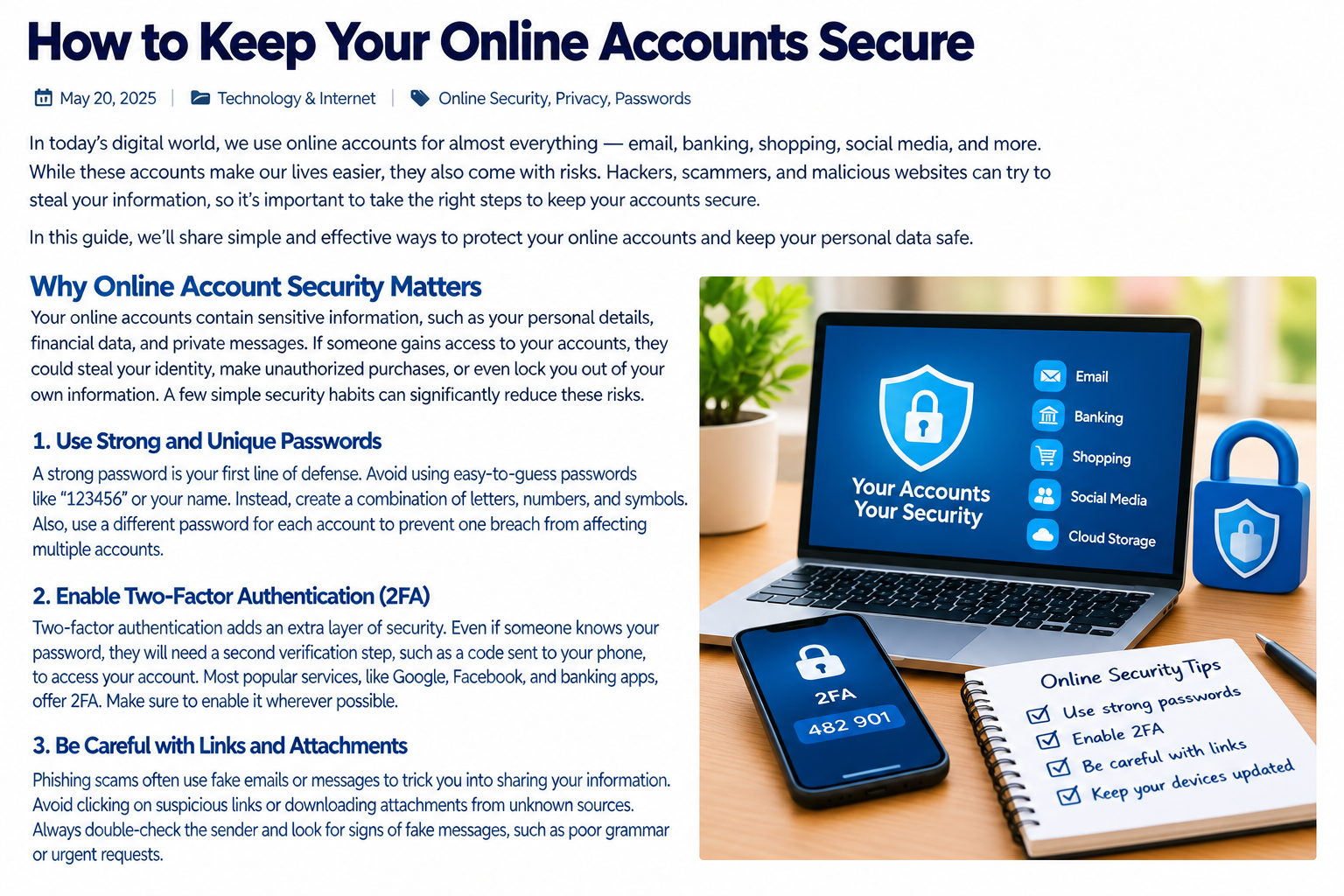
- Use unique passwords.
- Use long and difficult-to-guess passwords.
- Enable two-factor authentication.
- Never share passwords or verification codes.
- Avoid suspicious links.
- Keep your devices updated.
- Review logged-in devices.
- Protect your primary email account.
- Check account recovery information.
- Review security activity regularly.
Frequently Asked Questions
How can I keep my online accounts secure?
Use unique passwords, enable two-factor authentication, avoid suspicious links, keep your software updated, and regularly review account activity.
Should I use the same password for multiple accounts?
No. Using unique passwords is safer because a compromised password is less likely to affect your other accounts.
What is two-factor authentication?
Two-factor authentication is an additional security step that requires another form of verification in addition to your password.
What should I do if I receive a suspicious login message?
Do not click links in the message. Instead, visit the official website or application directly and check your account security.
Is my email account important for security?
Yes. Your email account may be used to reset passwords for other services, so it should receive strong security protection.
Can a password manager help?
Yes. A reputable password manager can help you generate and manage unique passwords for different accounts.
Final Thoughts
Online account security does not have to be complicated. Simple habits such as using unique passwords, enabling two-factor authentication, avoiding suspicious links, and keeping your devices updated can significantly improve your security.
It is also important to remember that online security is an ongoing process. Check your account activity regularly and respond quickly if something appears unusual.
By taking a few minutes to improve your security settings today, you can make your important online accounts safer and more difficult for unauthorized users to access.