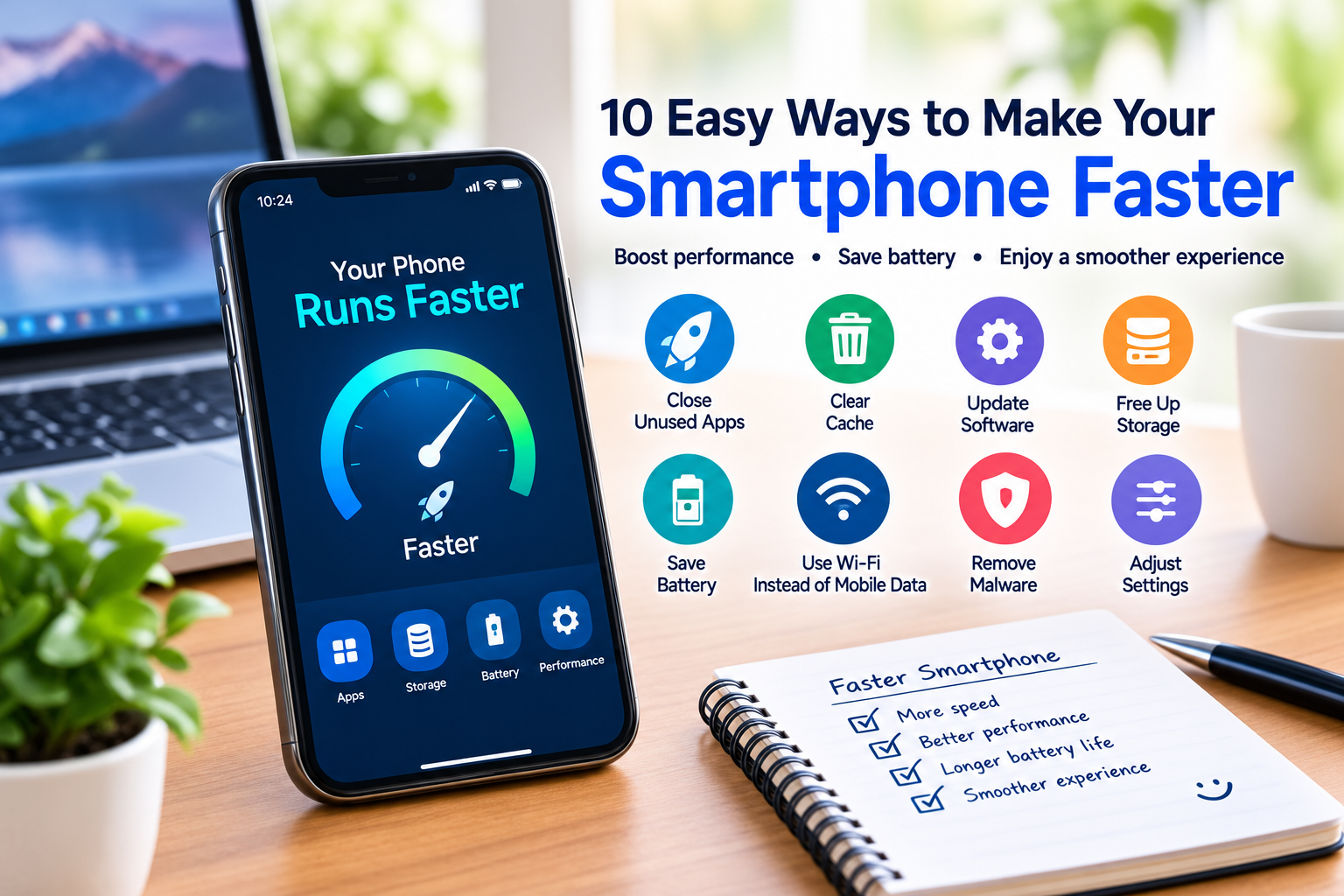
10 Easy Ways to Make Your Smartphone Faster
A smartphone can feel incredibly fast when you first buy it, but over time, you may notice that apps take longer to open, menus become less responsive, and the battery seems to run down more quickly.
This does not always mean that you need to buy a new phone. In many cases, simple maintenance can improve smartphone performance and make your device feel faster.
In this guide, we will look at 10 easy ways to make your smartphone faster, including freeing storage space, updating software, managing apps, clearing unnecessary data, and adjusting a few settings.
Why Does a Smartphone Become Slow?
There are several reasons why a smartphone may become slower over time.
Common causes include:
- Too many installed apps
- Limited storage space
- Outdated software
- Too many background processes
- Large amounts of cached data
- Resource-heavy applications
- Battery or hardware problems
- Malware or suspicious applications
- Too many browser tabs
- An aging device
The good news is that several of these problems can be addressed without replacing your phone.
1. Restart Your Smartphone Regularly
One of the easiest ways to improve temporary performance problems is to restart your smartphone.
When a phone runs for a long period, background processes and temporary system data can accumulate. Restarting the device gives the operating system a fresh start and can sometimes resolve minor performance issues.
If your phone has suddenly become slow, restarting it should be one of the first things you try.
2. Free Up Storage Space
Low storage is one of the most common reasons a smartphone can become difficult to manage.
Check your phone’s storage settings to see what is using the most space.
You may find that storage is being consumed by:
- Videos
- Photos
- Downloaded files
- Large applications
- Offline content
- Old documents
- Messaging attachments
Remove files you no longer need and move important photos or videos to an appropriate backup location.
Try to keep some free storage available rather than filling the device completely.
How to Check Storage
Most modern smartphones include a storage-management section in Settings.
Look for options such as:
Settings → Storage
The exact location and name can vary depending on the phone and operating system.
3. Remove Apps You Do Not Use
Many people install applications and then rarely use them.
Unused apps take up storage and, depending on their configuration, may also use background resources.
Review your installed applications and remove those you no longer need.
Before deleting an application, make sure you do not need information stored only inside that app.
Removing unnecessary applications can make your phone easier to manage and provide additional free storage.
4. Keep Your Smartphone Software Updated
Software updates can include performance improvements, bug fixes, compatibility improvements, and security patches.
Check your phone regularly for available system updates.
You should also keep important applications updated through the appropriate official app store.
However, make sure you have enough battery power and a reliable internet connection before starting a major system update.
5. Clear Unnecessary Cache Data
Apps sometimes store temporary files called cache data.
Cached information can help applications load certain content more quickly, but cache files can also grow over time.
If a particular application is behaving strangely or consuming an unusual amount of storage, checking its cache settings may help.
Be careful when clearing app data because deleting app data can remove locally stored information or sign you out of an application.
If you are unsure, check the application’s documentation before deleting its stored data.
6. Reduce Background Activity
Some applications continue performing tasks when you are not actively using them.
Depending on the operating system and application, background activity can consume processing power, battery, and mobile data.
Review your app settings and restrict unnecessary background activity where appropriate.
You do not need to prevent every application from running in the background. Important services such as messaging, email, navigation, or security tools may need background access.
The goal is to reduce unnecessary activity rather than disable everything.
7. Reduce Unnecessary Widgets and Animations
Widgets and visual animations can make a smartphone interface look attractive, but some older or less powerful devices may benefit from reducing unnecessary effects.
Consider removing widgets you rarely use from your home screen.
You can also check accessibility or developer settings, depending on your device, for options related to animation.
Avoid changing advanced settings unless you understand what they do.
A simpler home screen can also make it easier to find the applications and information you actually use.
8. Check Your Browser
Your web browser can accumulate many open tabs, downloads, cookies, and cached files.
If your browser feels slow, review your open tabs and close pages you no longer need.
You can also review browser storage settings and remove unnecessary browsing data when appropriate.
Remember that clearing certain browser data can sign you out of websites or remove saved website preferences.
For everyday browsing, keeping your browser updated is also important.
9. Check for Suspicious or Unwanted Apps
If your smartphone suddenly becomes unusually slow, check whether you recently installed an unfamiliar application.
Some unwanted applications can consume excessive system resources, display intrusive advertisements, or behave suspiciously.
Review your installed applications and remove anything you do not recognize or trust.
Download applications from reputable official sources whenever possible, and pay attention to the permissions an application requests.
If you suspect that your device has been compromised, consider using the security tools available for your operating system or contacting the device manufacturer’s support resources.
10. Reset the Phone Only as a Last Resort
If your smartphone remains extremely slow after trying other solutions, a factory reset may sometimes help.
A factory reset removes information and settings from the device and returns it to a setup state.
Always back up important information before performing a factory reset.
Important data can include:
- Photos
- Videos
- Contacts
- Documents
- Messages
- Application data
- Authentication information
A factory reset should not be the first solution. It is better to identify the cause of the problem first.
How to Make Your Smartphone Faster Without Installing an App
You do not necessarily need a special “phone booster” application to improve smartphone performance.
Start with the built-in tools on your phone.
A simple maintenance routine can include:
- Restarting the phone.
- Removing unused apps.
- Deleting unnecessary files.
- Checking available storage.
- Installing system updates.
- Reviewing background activity.
- Checking browser tabs.
- Reviewing recently installed applications.
These steps can often be more useful than installing another application that claims to dramatically increase performance.
Does Deleting Photos Make a Phone Faster?
Deleting unnecessary photos can help when your phone is running low on storage.
However, deleting a few files from a device that already has plenty of free space may not create a noticeable performance improvement.
If storage is nearly full, focus on large files such as videos, downloads, and unused applications.
Before deleting personal photos, make sure important memories are safely backed up.
Does Closing All Apps Make a Phone Faster?
Not necessarily.
Modern smartphone operating systems are designed to manage applications and system resources automatically.
Constantly force-closing every application can sometimes be unnecessary and may even make certain apps take longer to reopen.
Instead of repeatedly closing everything, focus on applications that are actually causing problems or consuming unusual amounts of resources.
How Much Storage Should a Smartphone Have Free?
There is no universal amount that works for every device.
The amount of free space you need depends on your phone, operating system, applications, and how you use the device.
If your phone is almost completely full, freeing up storage is a sensible first step.
Keeping a reasonable amount of available storage also makes it easier to install updates and save new files.
When Should You Replace Your Smartphone?
Sometimes a phone is slow because its hardware is simply getting old.
Consider replacement when:
- The device no longer receives important software updates.
- The battery has significantly deteriorated.
- Essential applications are no longer supported.
- The hardware cannot handle your normal tasks.
- Repair costs are unreasonable.
- Performance remains poor after basic troubleshooting.
Before buying a new smartphone, compare the cost of repair or maintenance with the cost of replacement.
Smartphone Performance Checklist
Use this quick checklist to maintain your phone:
- Restart your phone periodically.
- Keep enough storage available.
- Remove unused applications.
- Install software updates.
- Review large files and downloads.
- Check unnecessary background activity.
- Reduce unused widgets.
- Keep your browser updated.
- Review unfamiliar applications.
- Back up important information.
Frequently Asked Questions
How can I make my smartphone faster?
Start by restarting the device, freeing storage, removing unused apps, installing updates, and reviewing background activity. These simple steps can improve performance on many devices.
Why is my phone suddenly slow?
A sudden slowdown can have several causes, including low storage, a problematic application, software issues, overheating, or other hardware or system problems.
Does clearing cache make a phone faster?
Clearing unnecessary cache data can sometimes help with a specific application or storage problem, but it is not a guaranteed way to make an entire smartphone faster.
Should I install a phone cleaner app?
A separate cleaner app is not always necessary. Modern smartphones generally include built-in storage and device-management tools that can handle many routine maintenance tasks.
Can low storage slow down a smartphone?
Very low available storage can contribute to performance and usability problems. Removing unnecessary files and applications can help when storage is nearly full.
Will a factory reset make my phone faster?
A factory reset can resolve certain software-related problems, but it deletes data and settings from the device. Always create a reliable backup before considering a reset.
Final Thoughts
A slow smartphone does not automatically mean that it is time to buy a new device.
Simple steps such as freeing storage, removing unused apps, updating software, reviewing background activity, and restarting your phone can help maintain good performance.
If the device continues to perform poorly after basic troubleshooting, the problem may be related to aging hardware, battery condition, or software compatibility.
Regular smartphone maintenance can help you get more useful life from your device while keeping your files and applications organized.
Keep your phone updated, keep unnecessary files under control, and use only the applications you actually need.