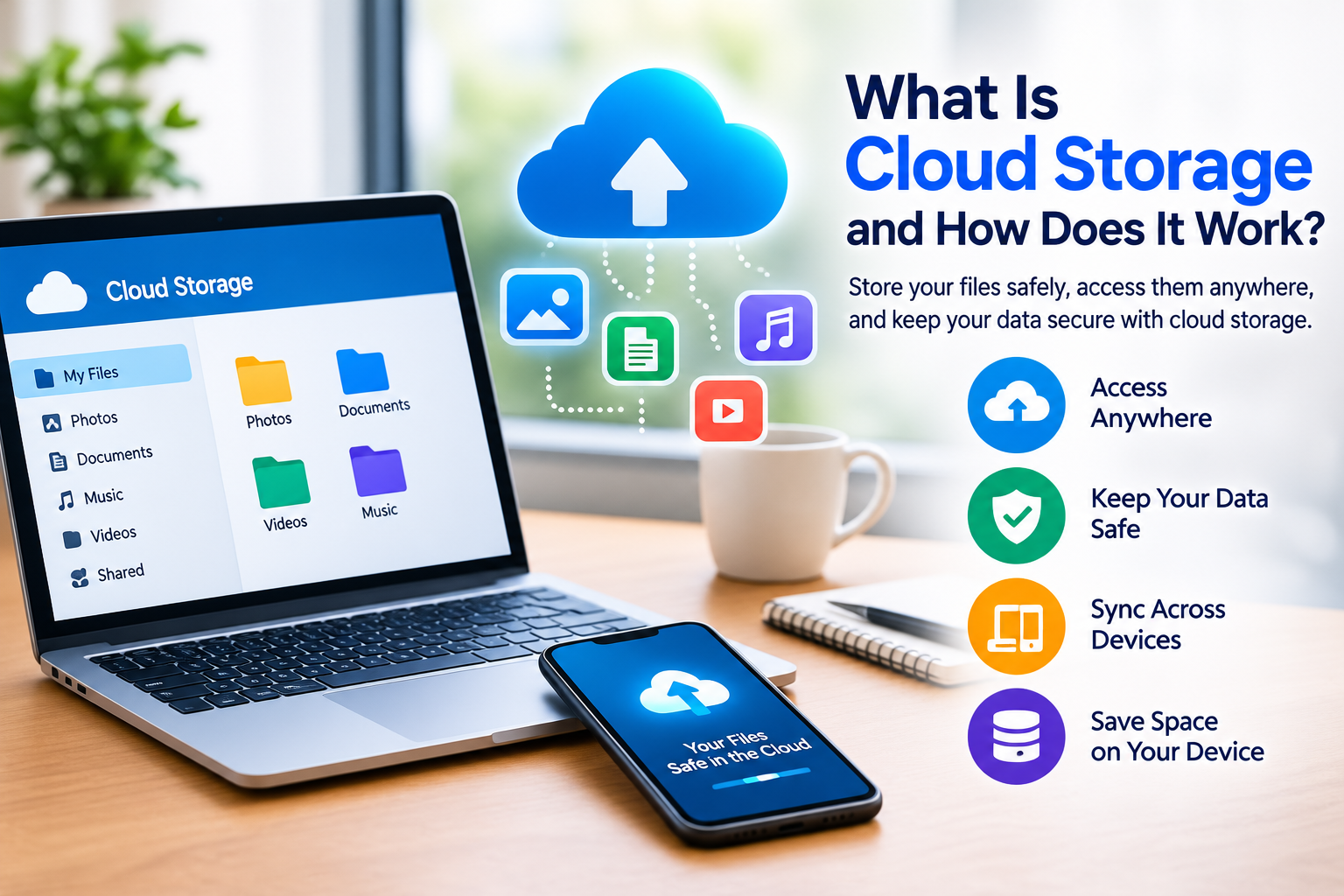
What Is Cloud Storage and How Does It Work? A Complete Beginner’s Guide
Cloud storage has changed the way people save, access, and share digital files. Instead of keeping every photo, video, document, or other file only on a computer or phone, users can store information on remote servers and access it through the internet.
Whether you use a smartphone, laptop, tablet, or desktop computer, cloud storage can make managing digital files more convenient.
In this guide, we explain what cloud storage is, how cloud storage works, its benefits and disadvantages, and how beginners can use it safely.
What Is Cloud Storage?
Cloud storage is a service that allows you to save digital files on remote servers operated by a storage provider.
When you upload a file to cloud storage, the file is transferred over the internet to servers located in data centers. You can then access the file from supported devices when you have an internet connection.
Cloud storage can be used for many types of information, including:
- Photos
- Videos
- Documents
- Music
- Presentations
- Backups
- Work files
- Personal projects
Instead of relying entirely on the storage inside your phone or computer, cloud storage provides another place to keep your files.
How Does Cloud Storage Work?
Cloud storage may seem complicated, but the basic process is simple.
Imagine you take a photo with your smartphone and upload it to a cloud storage service.
The process generally works like this:
Smartphone → Internet → Cloud Servers → Your Stored File
When you want to access the photo later, the service retrieves the stored information and makes it available through the appropriate application or website.
Cloud storage providers operate large data centers containing servers and storage systems. These systems are designed to store and manage large amounts of information.
Why Do People Use Cloud Storage?
There are several reasons people choose cloud storage.
One of the biggest advantages is convenience.
If your files are stored in the cloud, you may be able to access them from different devices without manually transferring the files every time.
For example, you could upload a document from your laptop and later open it on your smartphone or tablet.
1. Access Files From Different Devices
Cloud storage can make files available across multiple supported devices.
You might use:
- A smartphone
- A laptop
- A desktop computer
- A tablet
After signing into your account, you can often access the same stored files from these devices.
This can be particularly useful for people who regularly switch between work and personal devices.
2. Free Up Device Storage
Smartphones and computers have limited storage capacity.
Large videos, high-resolution photographs, and documents can quickly consume available space.
Cloud storage can provide another location for files, allowing users to move or back up certain data away from their device.
However, moving a file to the cloud does not automatically mean that every local copy has been safely backed up. Always check that uploads have completed successfully before deleting important files from your device.
3. Backup Important Files
Cloud storage can be part of a backup strategy.
Important files such as family photographs, documents, and work projects can be copied to a cloud service.
Having another copy can be useful if your phone or computer is lost, damaged, or stops working.
For extremely important information, it is wise to maintain more than one backup location rather than depending on a single service.
4. Share Files More Easily
Cloud services can make file sharing easier.
Instead of sending a very large file as an email attachment, you may be able to create a sharing link.
Depending on the service, you may have options to control whether another person can:
- View the file
- Comment
- Edit
- Download
Always check sharing permissions before sending a link to a private or sensitive file.
5. Synchronize Files
Some cloud services provide automatic synchronization.
When synchronization is enabled, changes made on one supported device can be reflected on another device.
For example, if you edit a document on your laptop, the updated version may become available on your other devices.
Synchronization can be convenient, but remember that synchronization is not always the same as a traditional backup. If you delete or overwrite a synchronized file, that change may also be reflected across your devices.
Types of Cloud Storage
Cloud storage can be used in several different ways.
Personal Cloud Storage
Personal cloud storage is designed for individual users.
It can be used to store:
- Photos
- Videos
- Documents
- Personal files
- Device backups
Business Cloud Storage
Businesses often use cloud storage to manage documents and collaborate with employees.
Business services may include additional features such as:
- Team access
- Permission management
- Collaboration tools
- Administrative controls
- Business backups
Cloud Backup
Cloud backup services are designed specifically around creating copies of data.
These services may automatically back up selected files or devices according to configured settings.
What Are the Benefits of Cloud Storage?
Cloud storage offers several potential benefits.
Convenience
You do not have to carry a physical storage device everywhere.
Accessibility
Files can often be accessed from different locations and devices.
File Sharing
Sharing links can make it easier to send large files.
Backup Support
Cloud storage can provide an additional copy of important information.
Scalability
Cloud services can provide different amounts of storage depending on your needs and subscription.
Are There Disadvantages to Cloud Storage?
Cloud storage is useful, but it is not perfect.
Internet Dependence
Many cloud services require an internet connection to access files that are not stored locally.
Some services offer offline access, but this depends on the provider and your settings.
Subscription Costs
Free plans often provide limited storage.
If you need more space, you may have to pay a monthly or annual fee.
Privacy Considerations
When you upload information to a cloud service, you are trusting a provider to store and handle that information.
Before choosing a service, review its privacy and security information.
Account Security
Your cloud files are connected to your account.
If someone gains unauthorized access to the account, they may potentially access stored information.
This is why strong passwords and additional authentication methods are important.
How to Choose a Cloud Storage Service
There are many cloud storage services available, and the right option depends on your needs.
Before choosing one, consider:
Storage Capacity
How much space do you actually need?
A person who stores documents may need much less storage than someone who regularly saves high-resolution videos.
Device Compatibility
Check whether the service works with your smartphone, computer, and other devices.
Security Features
Look for useful account-security features such as two-factor authentication and appropriate access controls.
Sharing Features
If you frequently collaborate with other people, check the available file-sharing and collaboration options.
Pricing
Compare the storage capacity and features included in free and paid plans.
Do not pay for significantly more storage than you realistically need.
How to Use Cloud Storage Safely
Cloud storage can contain highly personal information, so security is important.
Follow these basic practices:
Use a Strong Password
Create a strong and unique password for your cloud account.
Do not reuse the same password across multiple important services.
Enable Two-Factor Authentication
If the service supports two-factor authentication, consider enabling it.
This can provide an additional layer of account protection.
Review Shared Files
Regularly check which files and folders you have shared with other people.
Remove access when it is no longer necessary.
Be Careful With Public Links
Avoid making sensitive documents publicly accessible.
Before sharing a link, check whether it allows anyone with the link to access the file.
Keep Recovery Information Updated
Make sure your account recovery options are current so you can regain access if you forget your password or encounter another account problem.
Cloud Storage vs Physical Storage
Cloud storage and physical storage both have advantages.
| Feature | Cloud Storage | Physical Storage |
|---|---|---|
| Internet required | Often | No |
| Easy remote access | Yes | Usually no |
| Portable | Through supported devices | Yes |
| Sharing | Usually easy | Requires transfer |
| Hardware failure risk | Provider-dependent | Device-dependent |
| Monthly cost | Sometimes | Usually one-time purchase |
For many users, the best solution is not choosing one or the other.
Using cloud storage together with physical backups can provide greater flexibility.
Is Cloud Storage the Same as a Backup?
Not always.
Cloud storage can be used for backups, but simple file synchronization does not necessarily provide full backup protection.
For example, if a synchronized file is deleted, that deletion may be synchronized to other devices.
A proper backup system should ideally provide ways to recover previous versions or deleted files when needed.
Always check the backup and recovery features offered by your chosen service.
Frequently Asked Questions
Is cloud storage safe?
Cloud storage can be safe when you use a reputable service and follow good security practices. Use a strong password, enable additional authentication when available, and carefully manage file-sharing permissions.
Do I need an internet connection to use cloud storage?
Internet access is generally required to upload and download cloud files. Some services support offline access to selected files.
Can cloud storage free up phone space?
Yes, cloud storage can help reduce local storage usage when files are safely uploaded and you choose to remove local copies.
Can I share cloud files with other people?
Yes. Many cloud services allow users to share files or folders through links or account-based permissions.
Is free cloud storage enough?
It depends on your needs. People who mainly store documents may find a free plan sufficient, while users with many photos and videos may need more storage.
Should I keep a physical backup too?
For important files, keeping an additional physical or separate backup can be a sensible strategy. It reduces your dependence on one storage location.
Final Thoughts
Cloud storage provides a convenient way to store, access, synchronize, and share digital files.
It can be especially useful for people who use multiple devices or want an additional location for important files.
However, cloud storage should not replace good security and backup practices. Protect your account with a strong unique password, enable additional authentication when available, review sharing permissions, and keep important information backed up in more than one appropriate location.
As our digital lives continue to grow, understanding how cloud storage works can help you manage your files more effectively and make better decisions about online storage.